

Thrifty Websites To Save You Money
The “Chill Dude Explain” chanel has some interesting content. Some of the money saving tips only work if you are in the USA. Others are applicable wherever you live. This page when it is finished will go through all 10 suggestions.
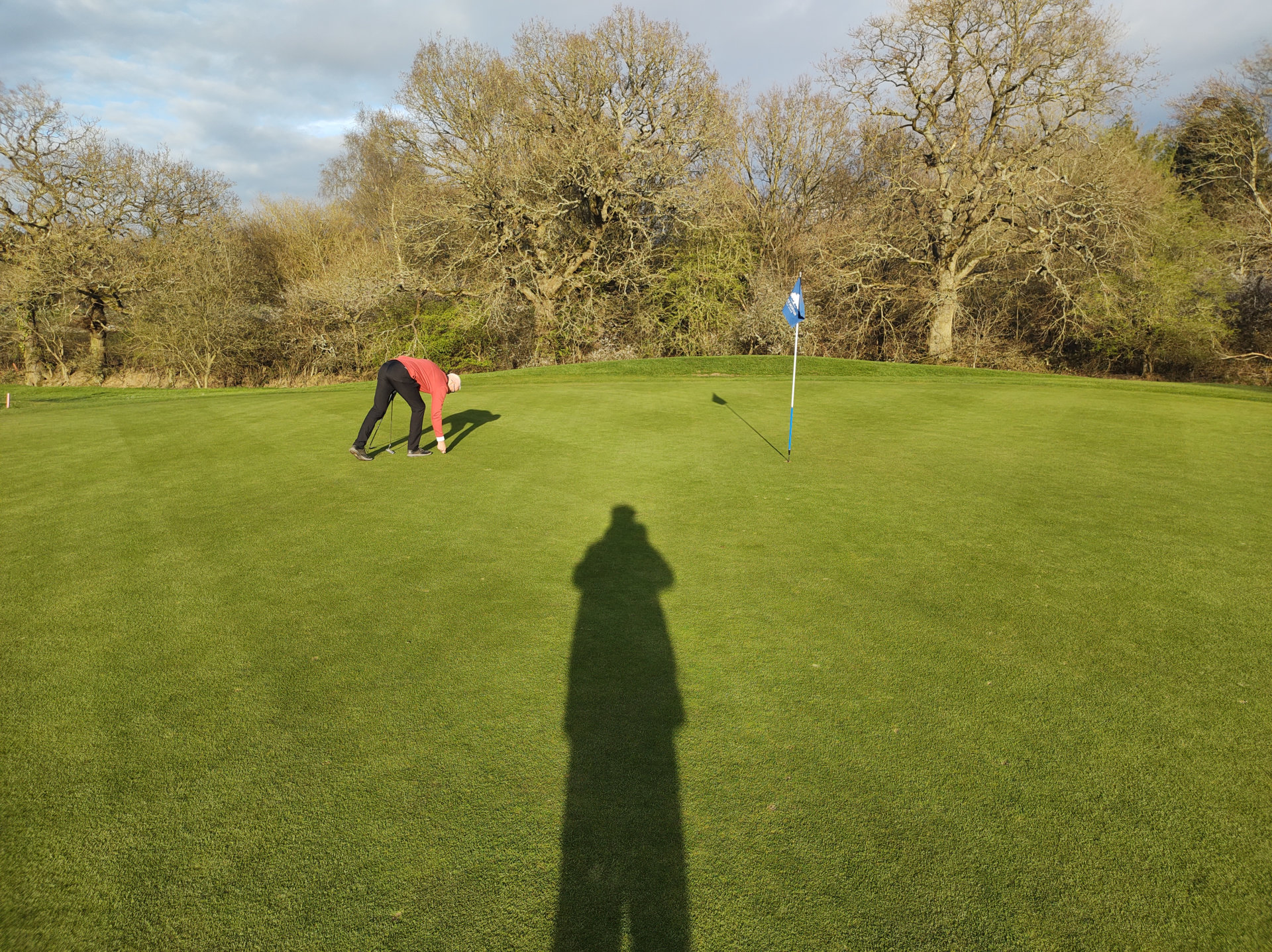
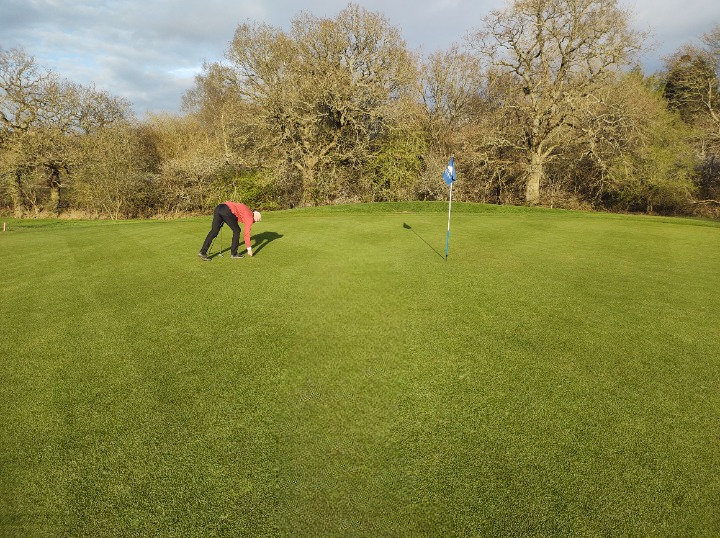
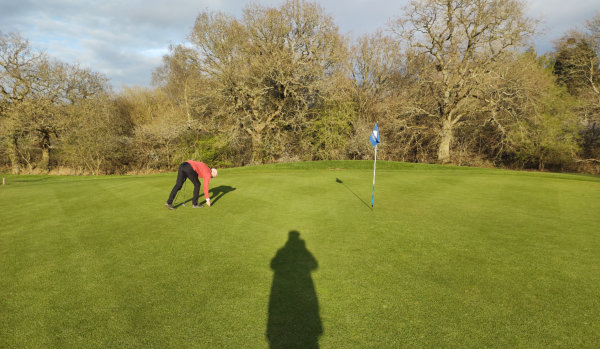
Using https://cleanup.pictures/ you upload your original picture, and it is very intuitive how to use and download the picture without a shadow. The free version restricts the download file size to 720 x 538px which for a mobile phone would be fine. That is the size of the example.
For free it is useable.
The obvious answer for really thrifty people is be more careful how you compose your shot and you will not need to edit out any unwanted shadows.
Do not overlook, all picture editing tends to remove the EXIF data which is a key measure in 2026, and the future, which Google uses to measure if a photo is real as the unedited version contains the location and time etc. when the photo was taken.
Authentic is the key for the future.
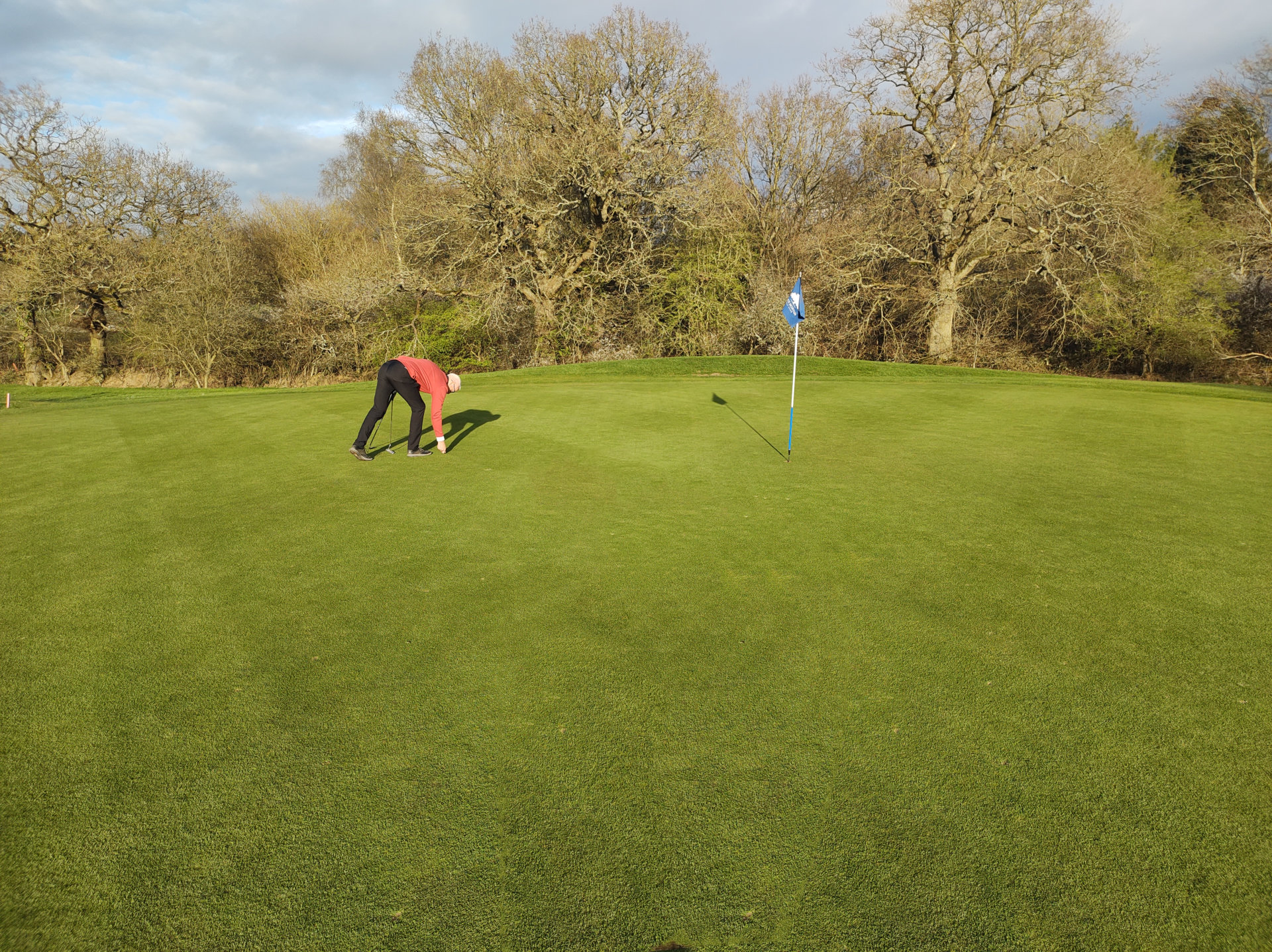
I use some graphics software called Xara which is very good but sadly they have moved to a subscription model. I have the fully paid for version. Google says… Older Perpetual Versions: You can sometimes find older, legacy non-subscription editions (such as version 16 or older MAGIX-era releases) as unused software keys or physical media from third-party software liquidators and resellers.
Link to the mentioned websites.


